background
Icon

Univ of Michigan

The Block App

Free

Install the app

Follow these 3 steps:

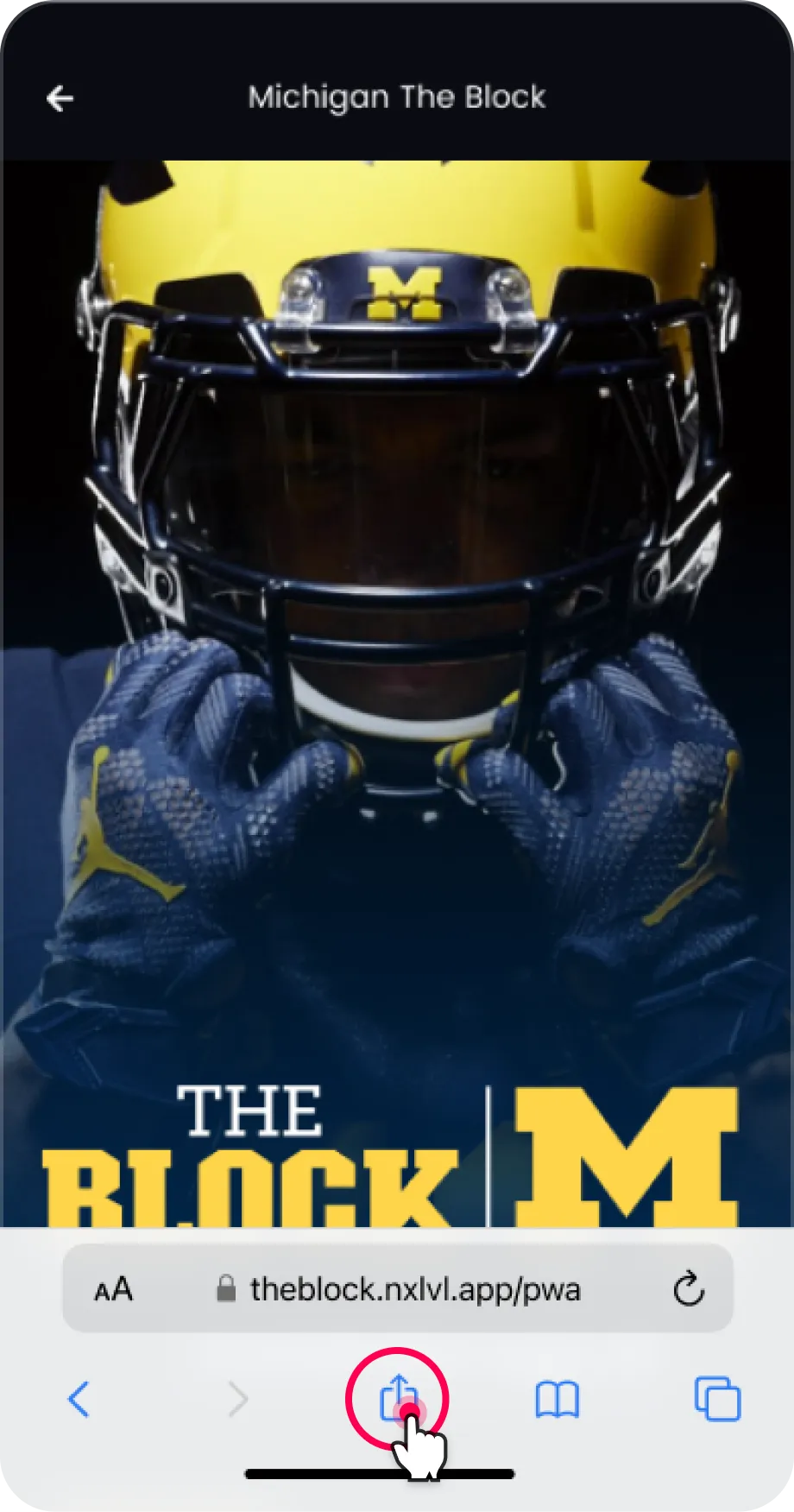
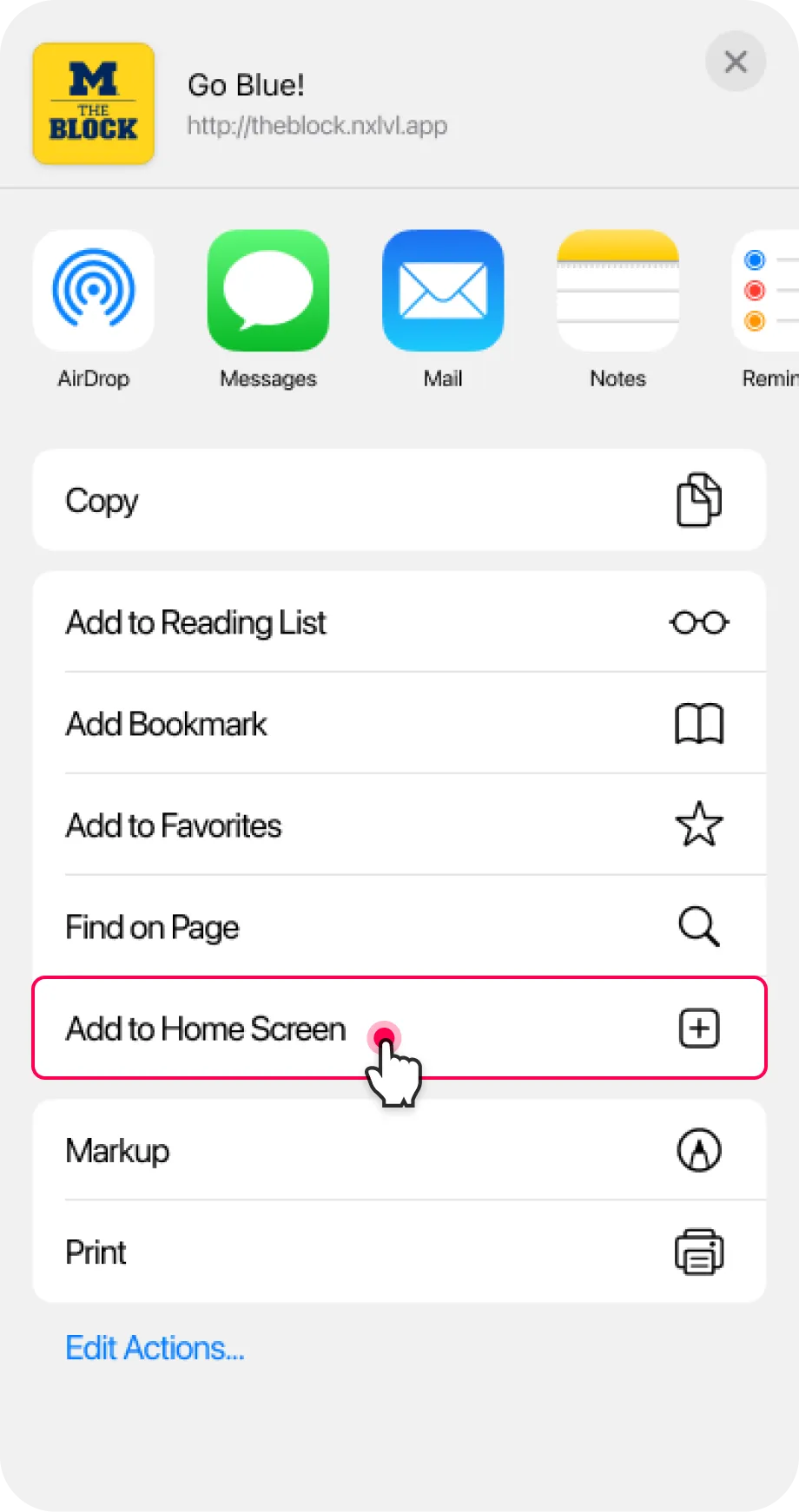
1 Tap the Share icon
Tap the Share icon Tap the Share icon
2 Tap Add to Home Screen
Tap Add to Home Screen
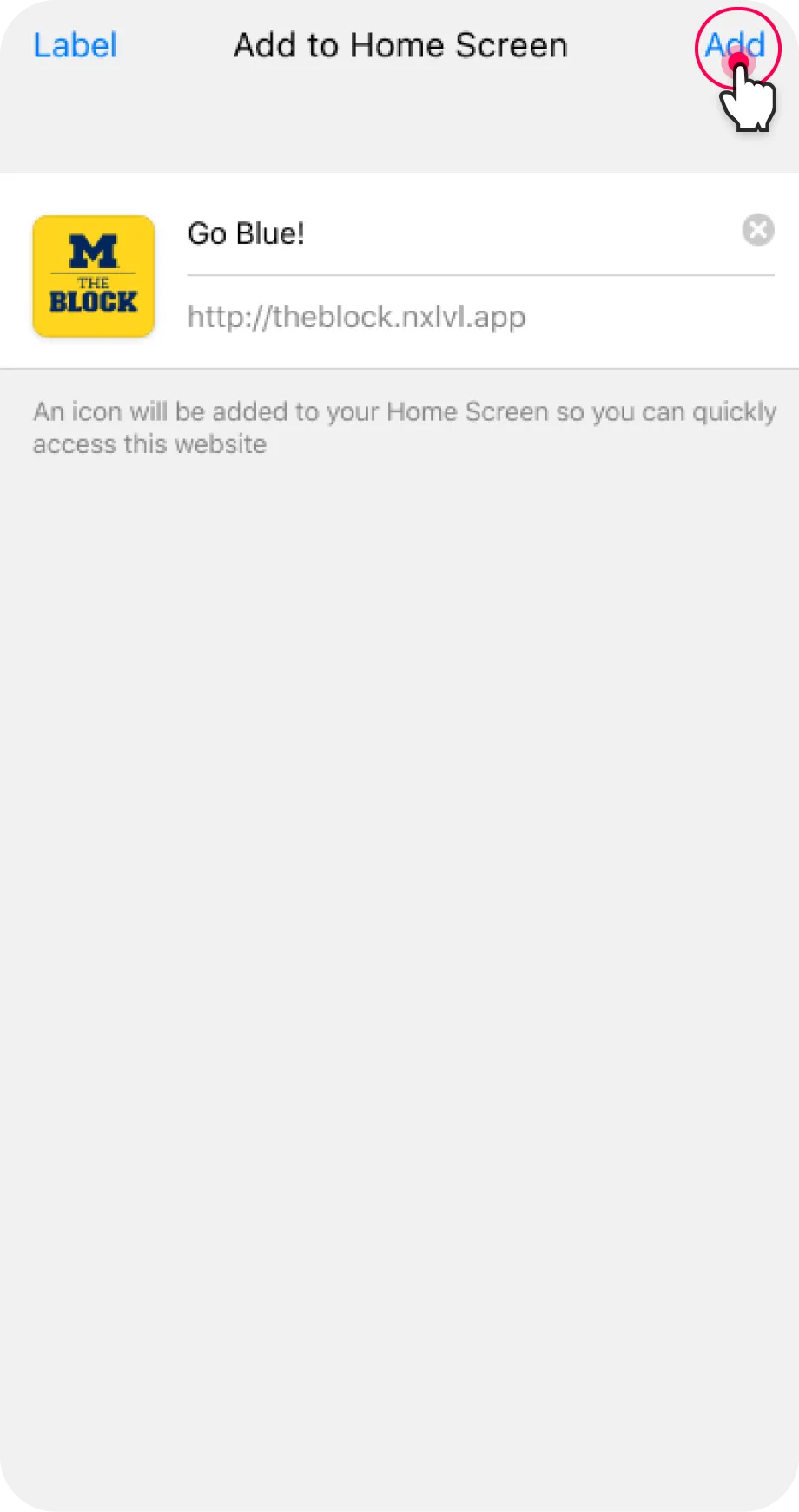
3 Press Add in the top right
Press Add in the top right
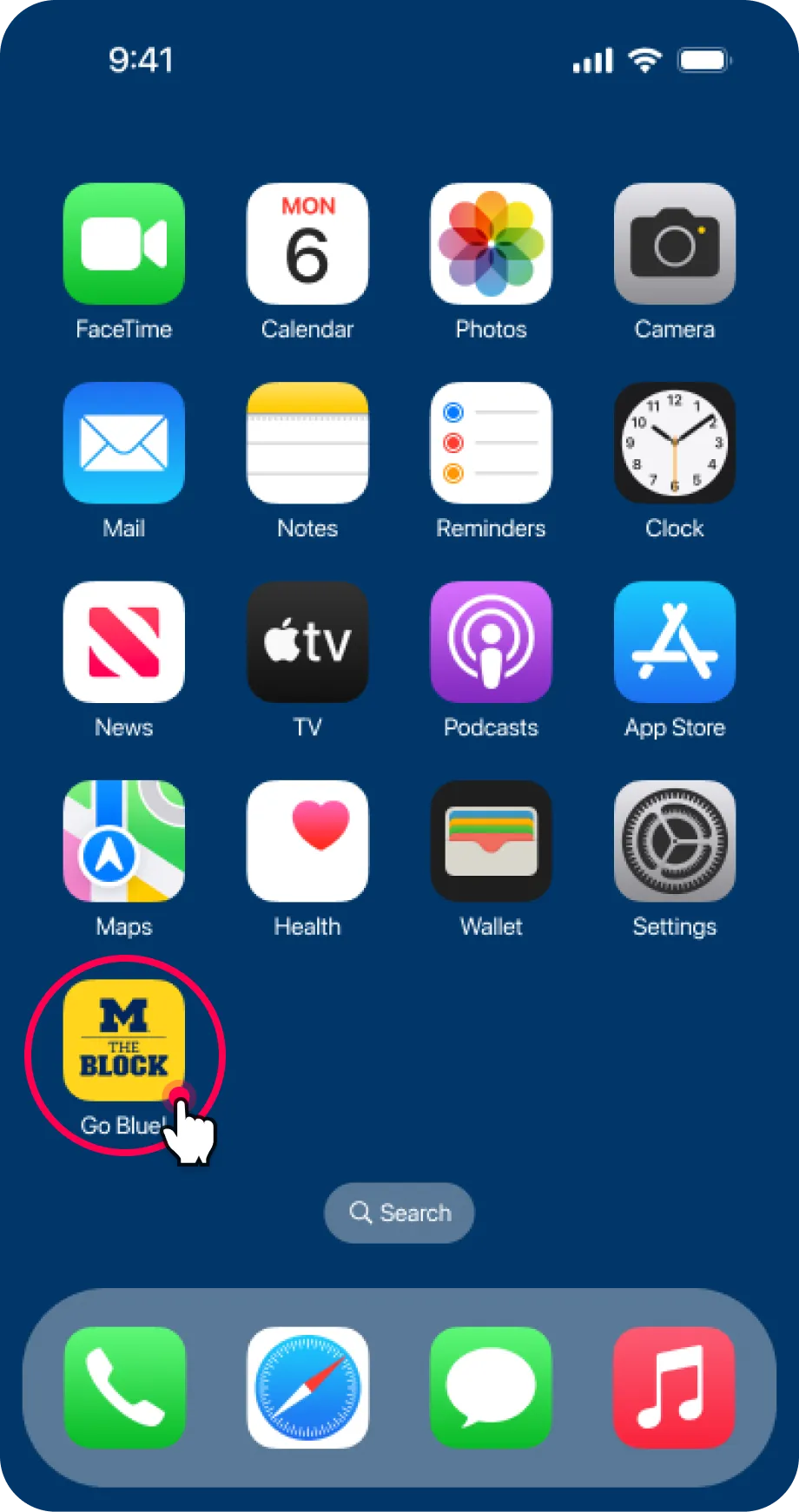
4 Congratulations!
Congratulations!
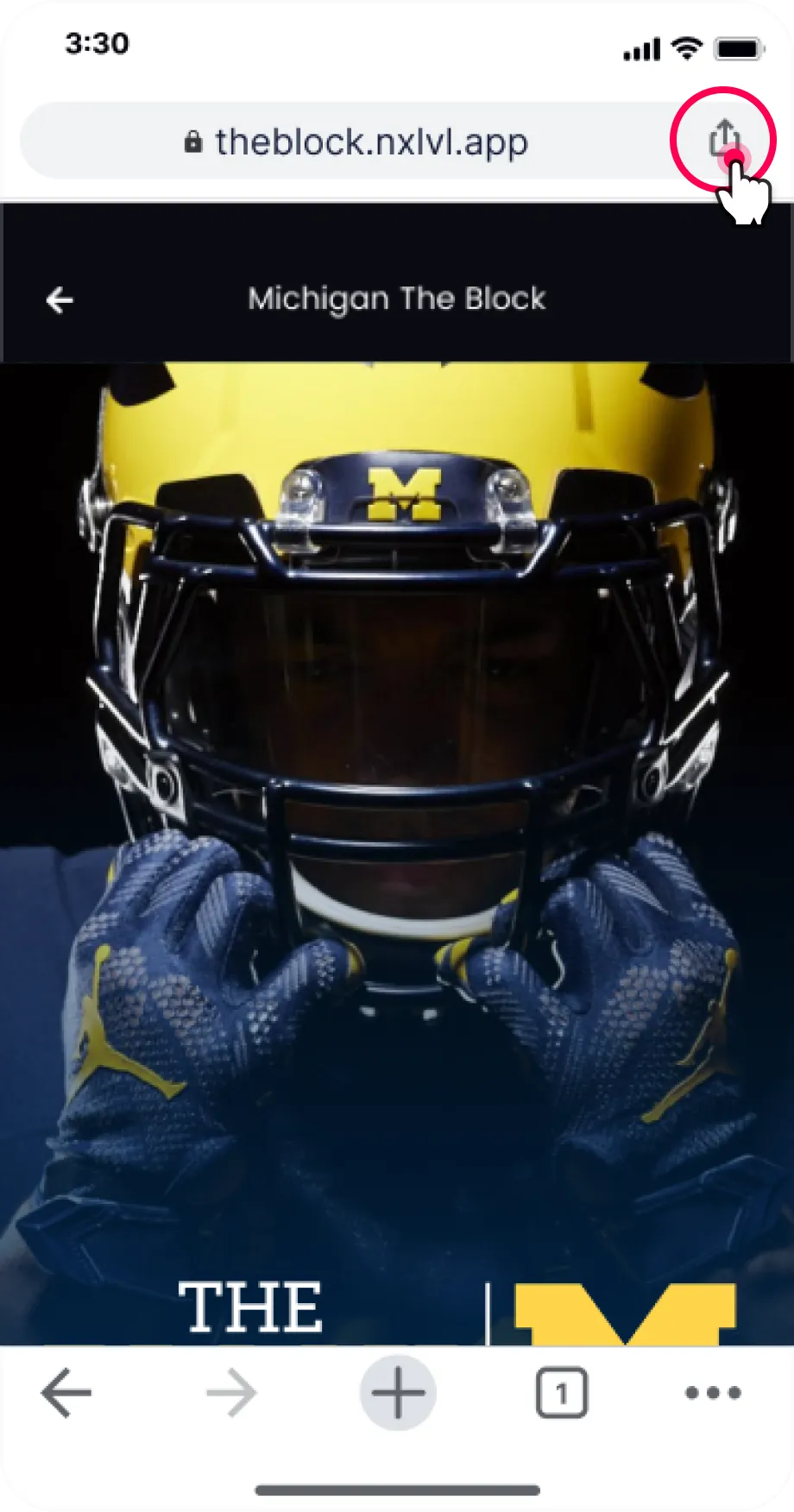
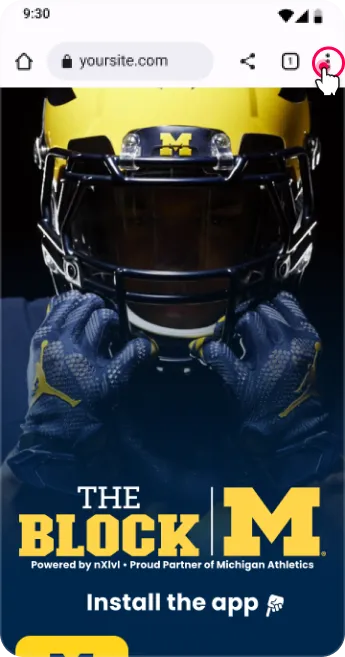
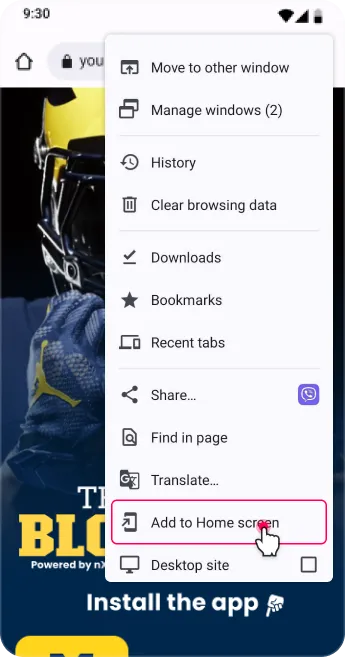
1 Tap the menu icon
Tap the menu icon
2 Tap Add to Home Screen
Tap Add to Home Screen
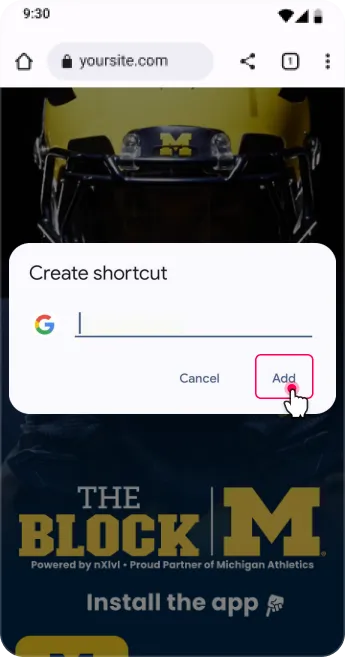
3 Press Add
Press Add

UMICH App & Ultimate Fan Club

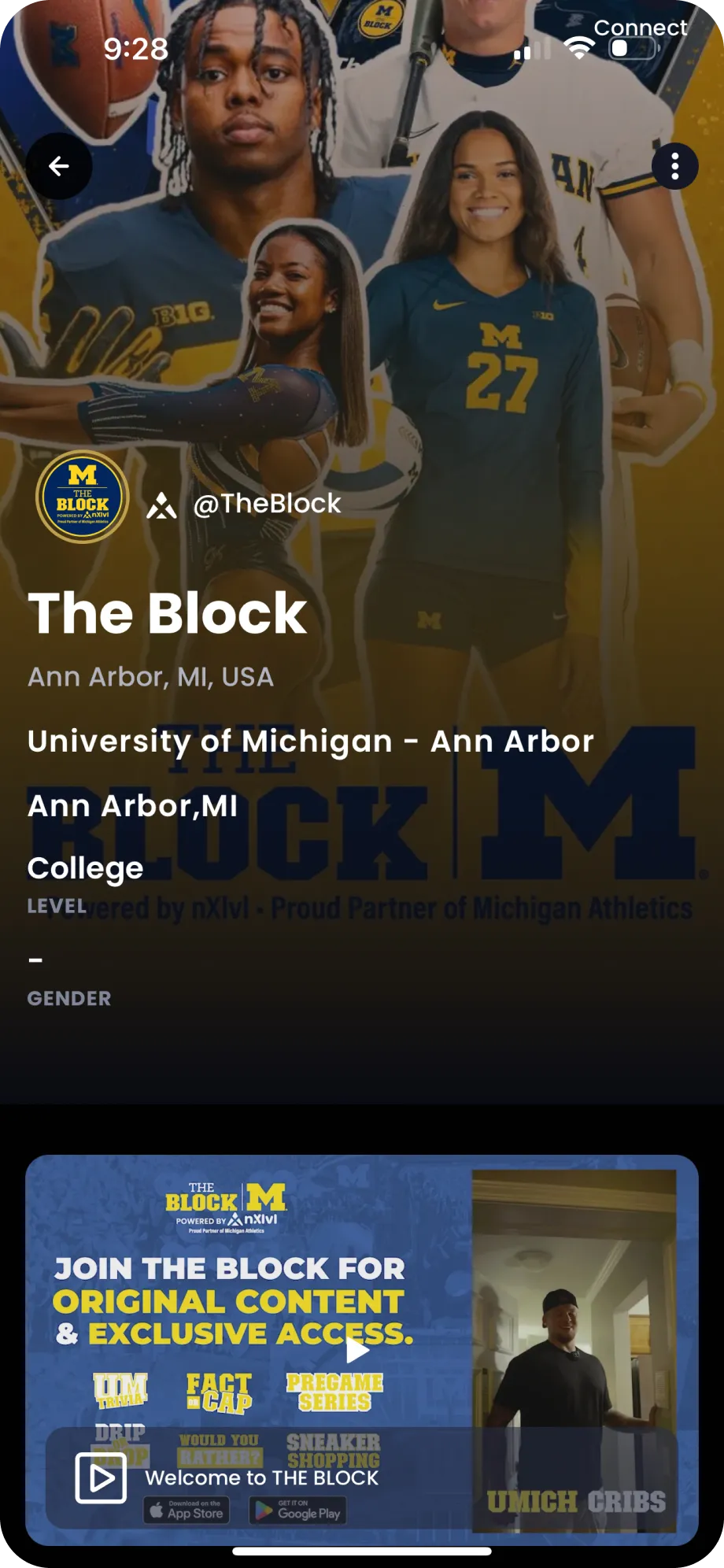
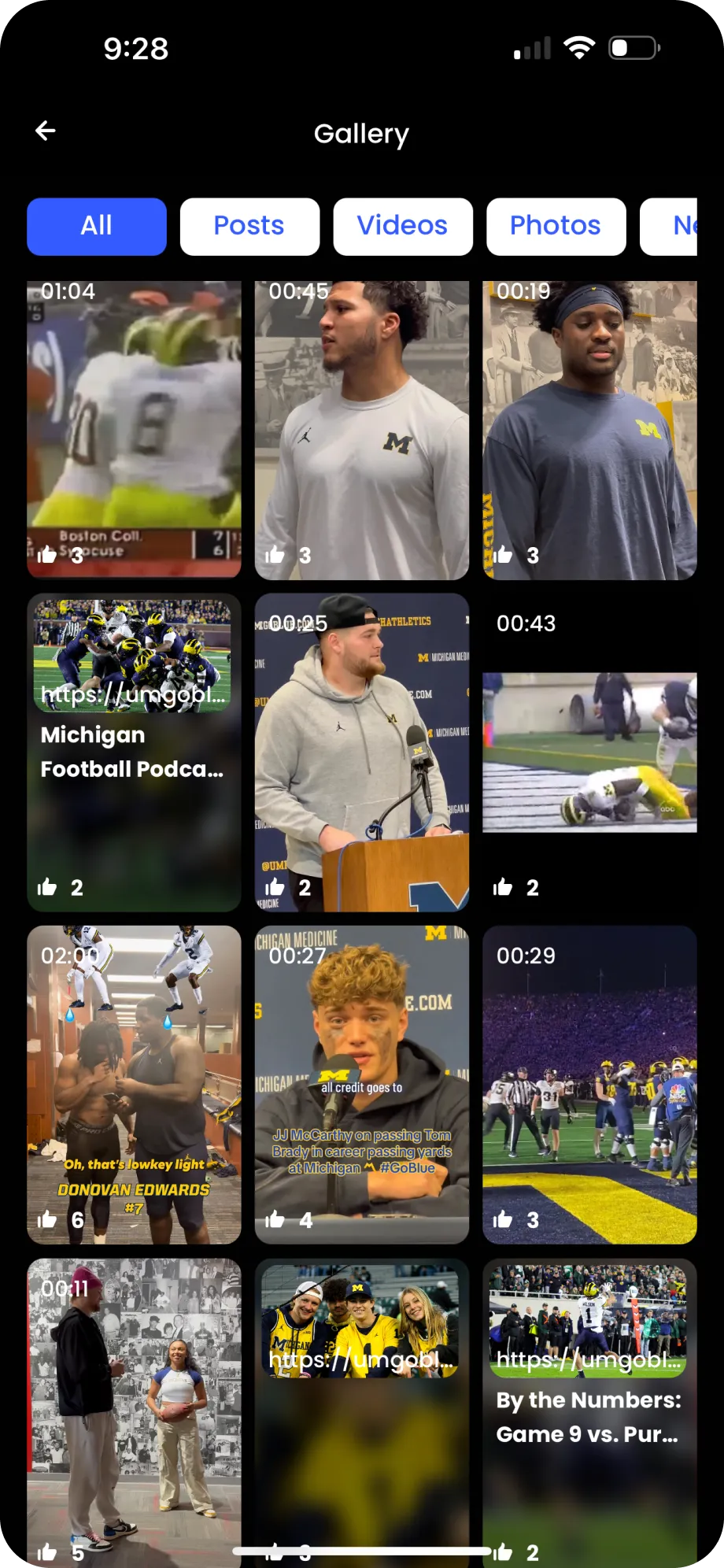
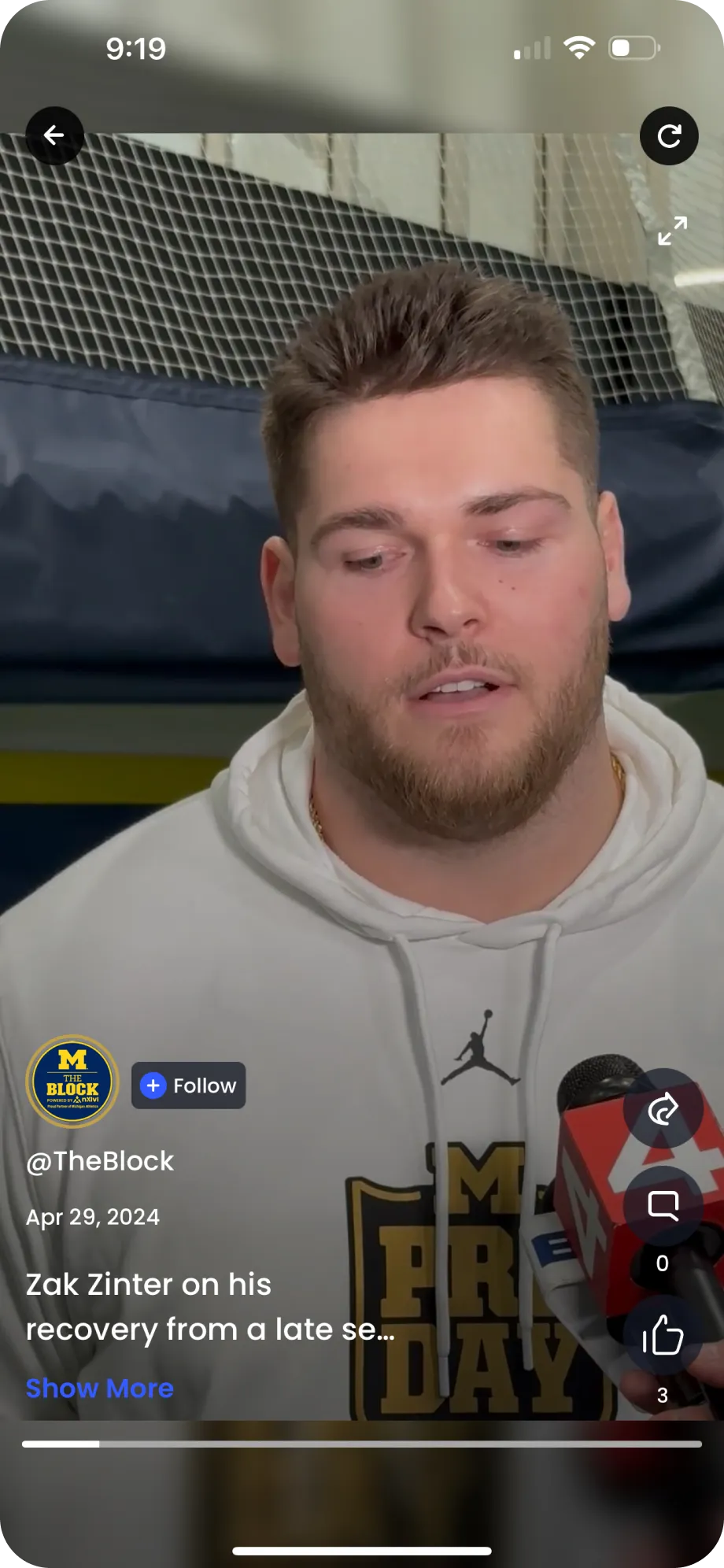
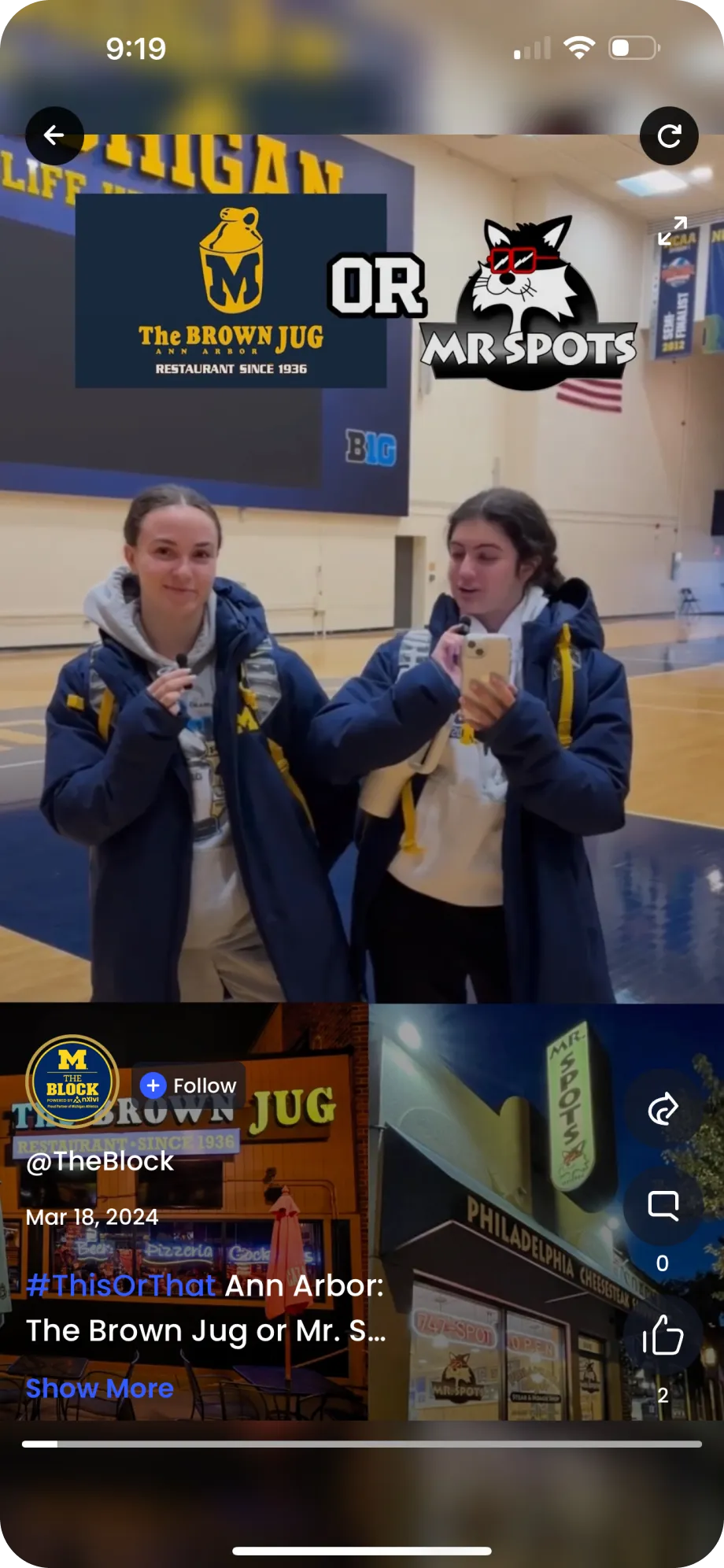
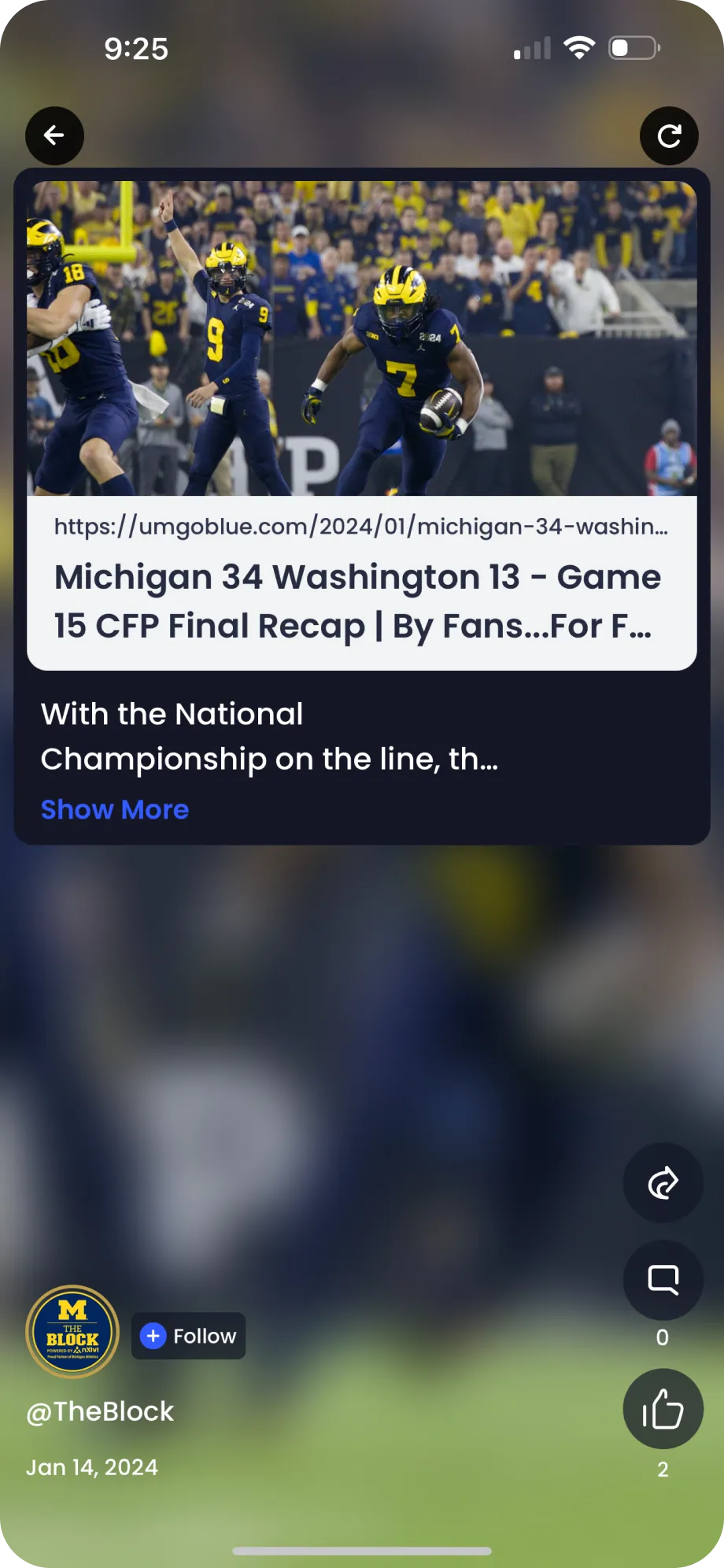
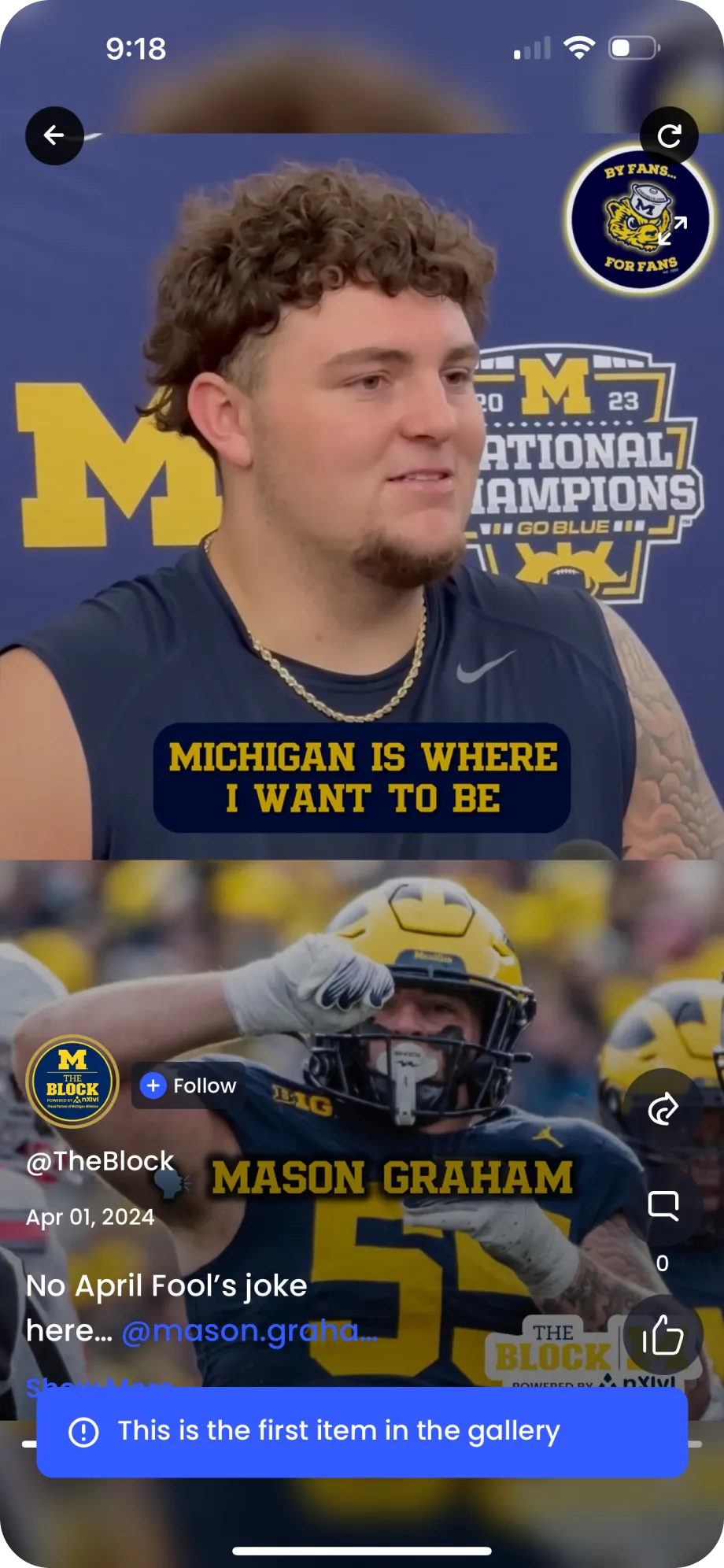
Step into THE BLOCK, where fans & athletes unite. Discover a world of exclusive content, connect with your favorite athletes and show your support. From exclusive-behind-the-scenes access to awesome fan giveaways, THE BLOCK is your ticket to an incredible fan experience!

App Screen 1
App Screen 2
App Screen 3
App Screen 4
App Screen 5
App Screen 6
Hidden Anchor
Icon

nXapps

nXapps Logo

nXapps

TAKE IT TO
THE NEXT LEVEL

To download the app, follow these steps:

  1. Scan the QR Code
  2. Install the nXlvl app
  3. Sign Up and launch the app of your choice
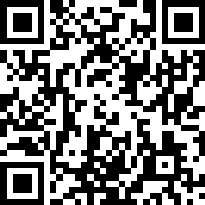
QR Code

Please scan the QR code with
your device to automatically
download or open the app.

Copyright nXlvl, Inc. Terms & Privacy

Footer Logo